1. Getting started
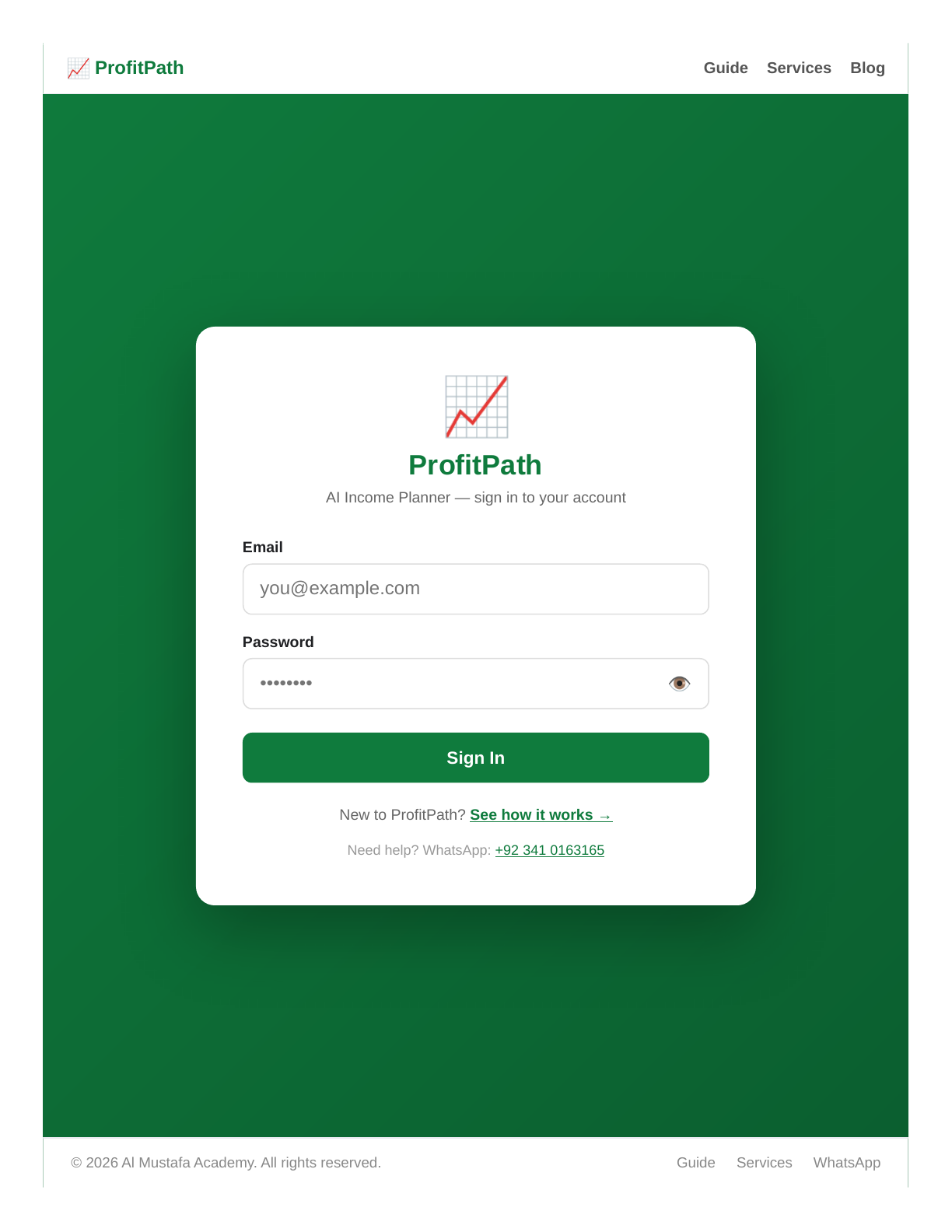
ProfitPath is a managed service: your account is created by the administrator, so there is no public sign-up form. Once your account is ready, sign in at the login page with the email and password you were given.
The setup wizard
On your first sign-in you will be guided through the setup wizard:
- Income sources — add each stream of income (clients, contracts, gigs) with its typical amount and frequency.
- Monthly expenses — enter your fixed costs (rent, bills, subscriptions) and variable spending.
- Goals — set a savings target so the AI plan can work towards it.
2. Dashboard
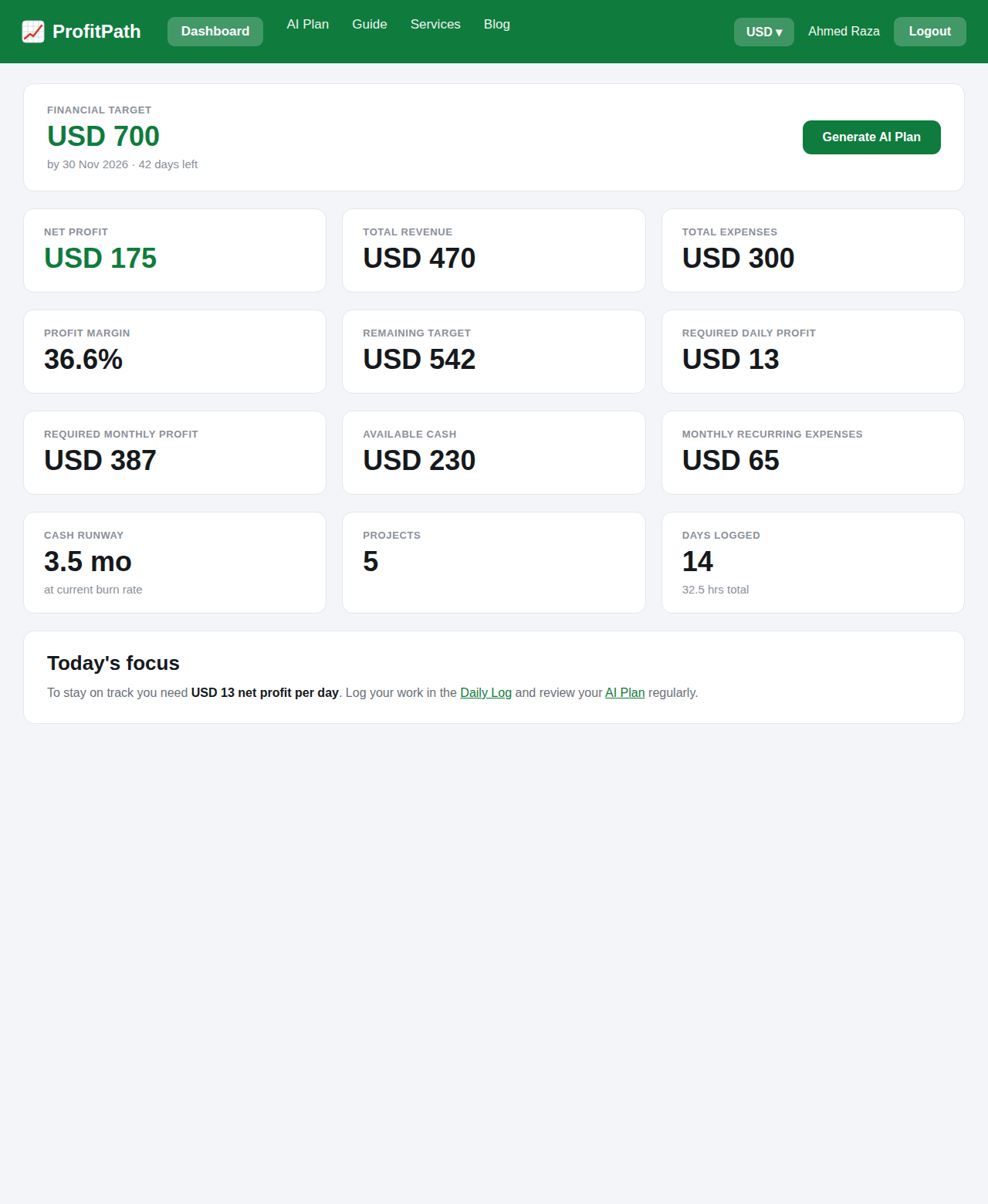
The dashboard is your daily home screen. It shows your income baseline, this month's expenses, your savings progress, and how many months of runway your buffer covers.
Use the currency selector in the top bar to view every figure in your preferred currency (USD, PKR, EUR, GBP, CAD, AUD or INR).
3. Projects
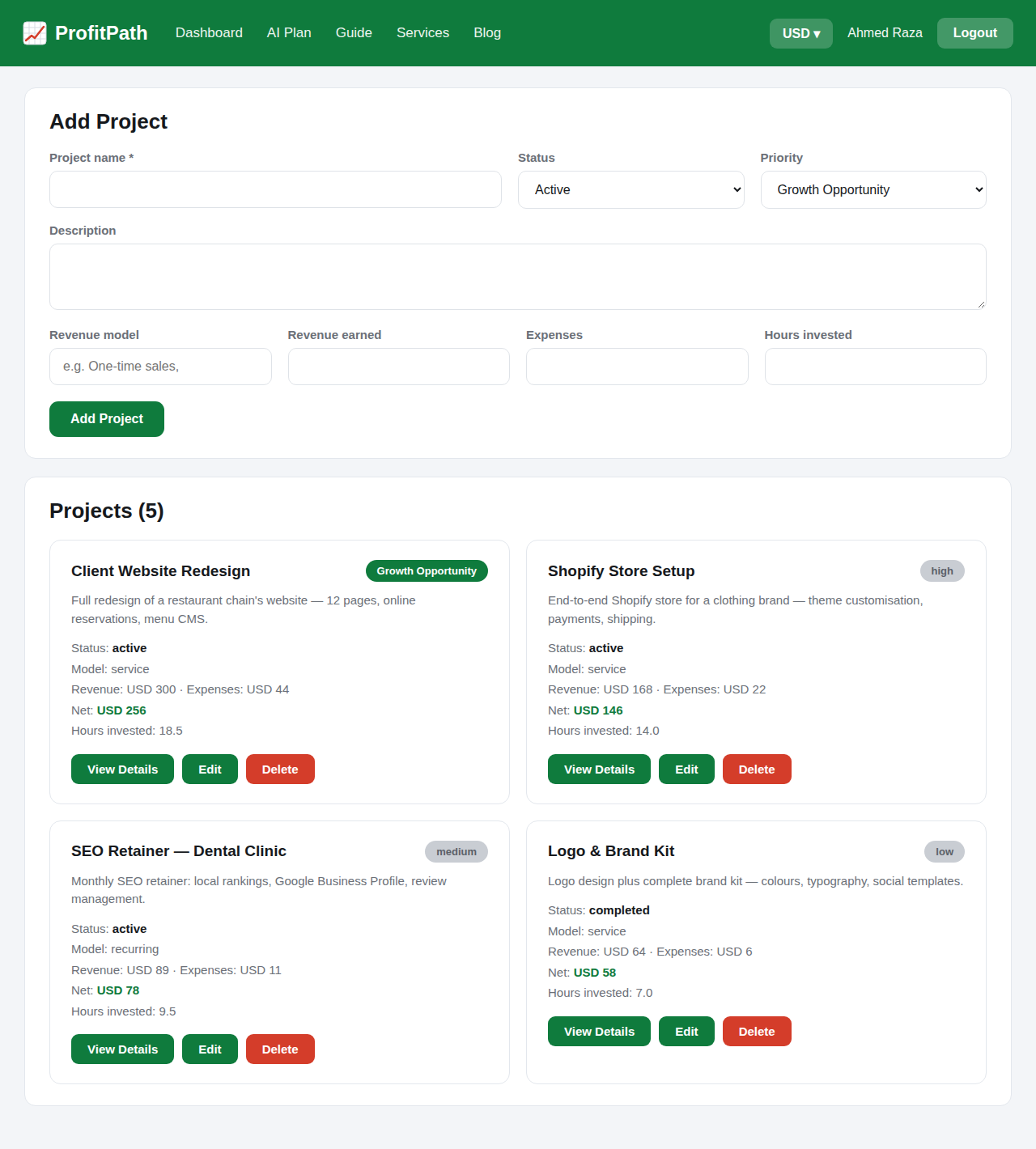
Each freelance project or client engagement gets its own project card. Add the agreed fee, payment milestones, and status as the work progresses.
- Linked expenses are rolled into the project's totals automatically.
- Open a project to see its full detail: income received, costs, and net profit.
4. Expenses
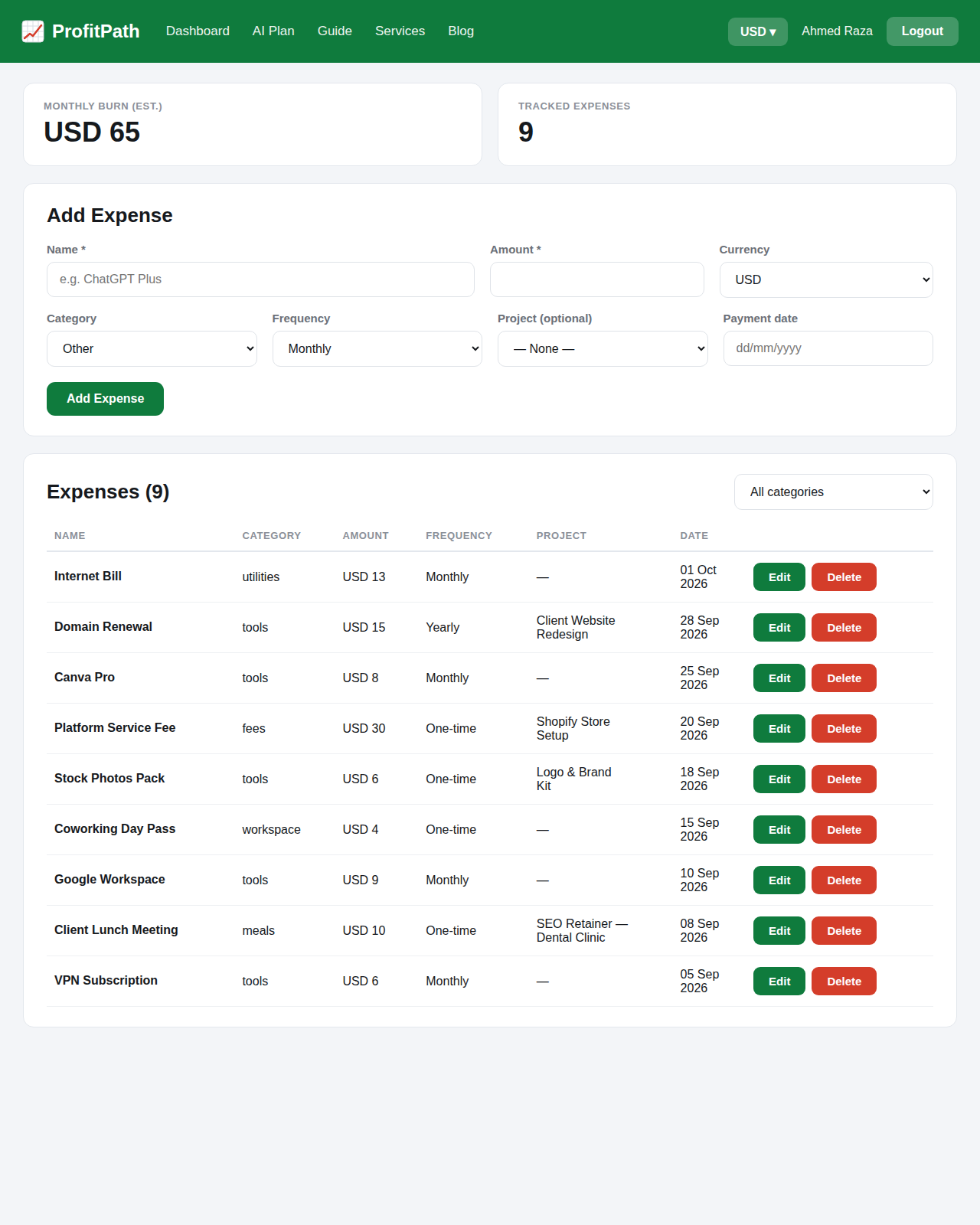
Log every business and personal expense as it happens. Categorise each one so the AI can spot where your money actually goes — most freelancers are surprised by at least one category.
5. AI Plan
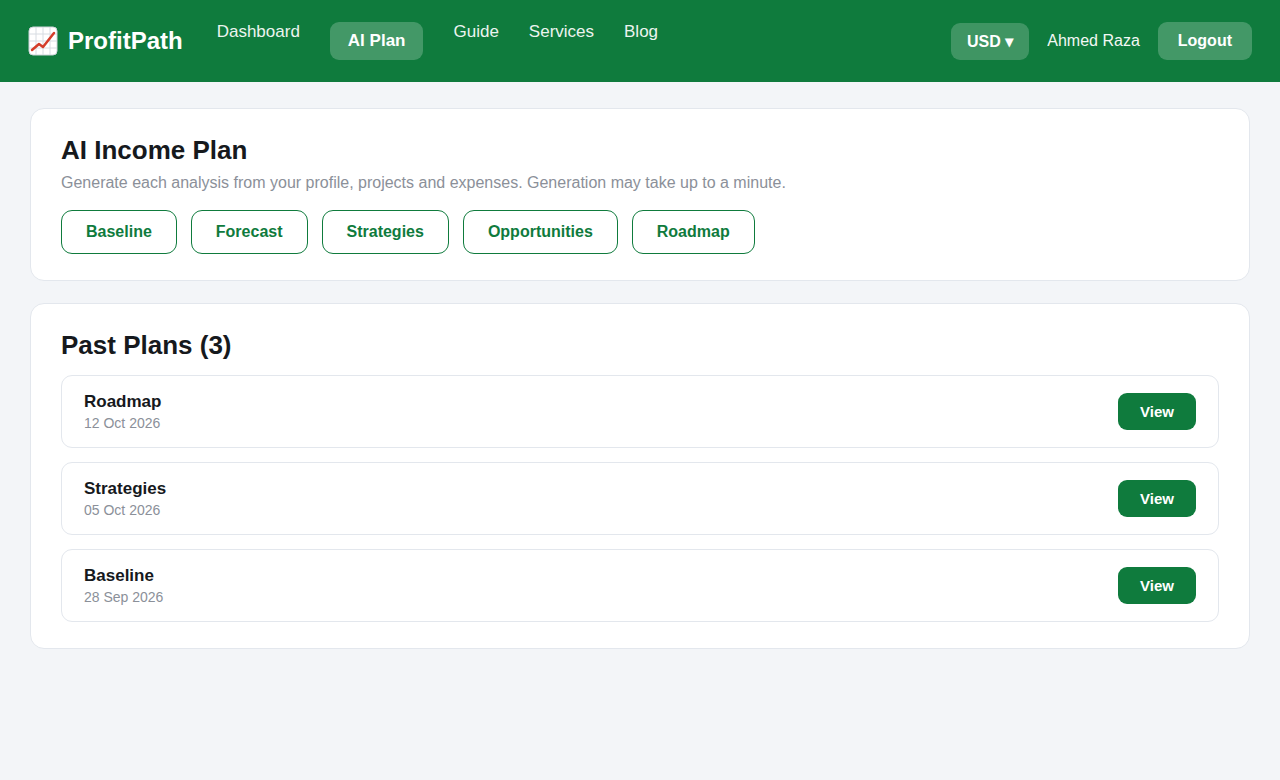
The AI Plan is the heart of ProfitPath. It analyses your income history, projects, and expenses, then generates five things:
- Baseline — what you can reliably count on each month.
- Forecast — where your income is heading over the next months.
- Strategies — concrete moves to smooth out the ups and downs.
- Opportunities — income streams you are well placed to add.
- Roadmap — a step-by-step plan to reach your savings goal.
Regenerate the plan whenever your situation changes — a new client, a lost contract, or a big expense.
6. Daily Log
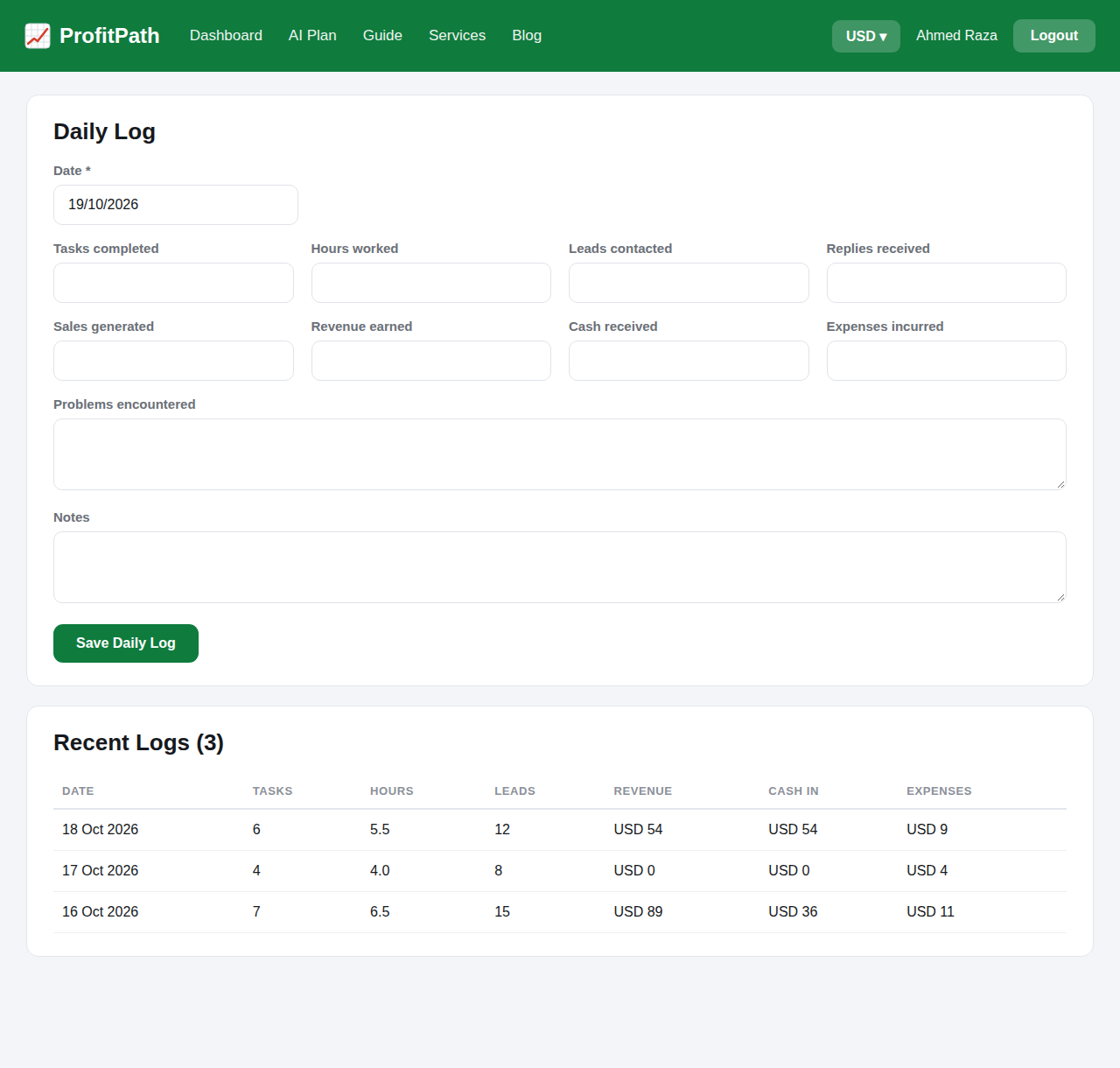
The Daily Log is a lightweight journal for money in and money out. Quick entries here feed the dashboard totals and keep the AI plan's data fresh without any extra effort.
7. FAQ
How do I get an account?
Accounts are created by the ProfitPath administrator. If you need access, message us on WhatsApp.
I forgot my password — what now?
Contact the administrator on WhatsApp and your password will be reset for you.
Can I change the display currency?
Yes — use the currency selector in the top bar. Every figure across the app converts instantly.
Is my financial data private?
Yes. Your data is visible only to you and the administrator. Nothing is shared or sold.